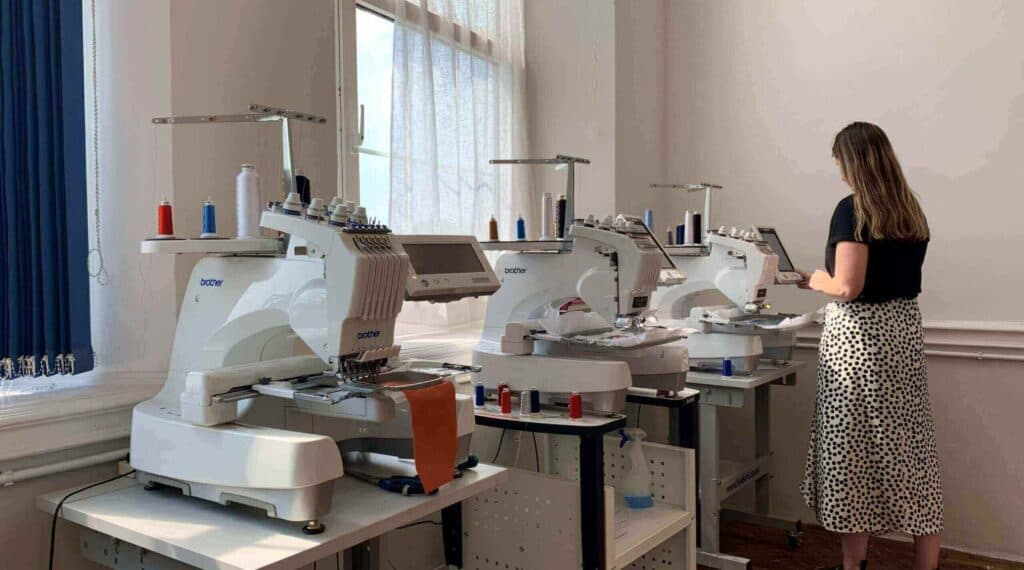
Artwork, handled
Your logo, made for thread.
Start with the clearest file you have. We will turn it into stitch-ready artwork and send a proof before production.
Send the best file you have.
Embroidery is built from stitches rather than printed pixels. A clean source helps, but you do not need to prepare an embroidery file yourself.
- Best files
- Adobe Illustrator (AI) and EPS vector files give us the cleanest source. High-resolution PNG, JPG and PDF artwork works too.
- Maximum upload
- Upload files up to 8MB while configuring your garment. If yours is larger, send it to the studio instead.
- No perfect file?
- Send the clearest version you have. We will tell you plainly if any fine detail needs simplifying for thread.
From file to finish
Three clear steps.
The artwork decision stays inside the normal ordering journey, with approval before anything is stitched.
- 01
Choose your garment
Pick the style, colour, sizes and embroidery position that suit the job.
- 02
Upload the artwork
Add your logo in the product configurator, or ask the studio if you need help first.
- 03
Approve the proof
We prepare new artwork for embroidery and send a layout for approval before production begins.
Reordering with a logo?
Reference the previous order number or logo name when you reorder. The studio will check whether the approved artwork is available before production.